
Zanzito
Your Android phone on your MQTT broker
Zanzito is a bridge between an Android phone or tablet and an MQTT broker. MQTT is the lightweight publish/subscribe protocol that home-automation systems use to talk to sensors and devices; with Zanzito, the phone becomes one of those devices.
It publishes what the phone knows — where it is, what its sensors read, what its camera sees — and it listens: for a notification to show, an alarm to sound, a sentence to say aloud. Beyond that, you define your own topics: a button, or a spoken command, that switches on a light or arms the alarm; a subscription that tells you the washing machine has finished.
It was made with Home Assistant in mind: switch on discovery and the phone appears in Home Assistant by itself, with its entities. And it works with anything that speaks MQTT.
All it needs is the broker of your home-automation system, or any MQTT server of your own. Your data goes there and nowhere else: no account, no advertising, no analytics.
Switch on discovery and the phone joins Home Assistant by itself: position, battery, sensors, camera, notifications and alarm as entities, each Activity as a trigger for your automations. Nothing to write in YAML.
The position of the device, sent as it changes and at regular intervals — in the background too, if you allow it. In Zanzito's own JSON, whose keys are the ones Home Assistant expects, or in OwnTracks format.
Battery level and any of the hardware sensors the device has — light, pressure, temperature and the rest. You tick the ones you want; each gets its own topic.
Take a picture and send it, send one at a fixed interval, or pass along a picture from another app. An old tablet on a wall becomes a camera for your home system.
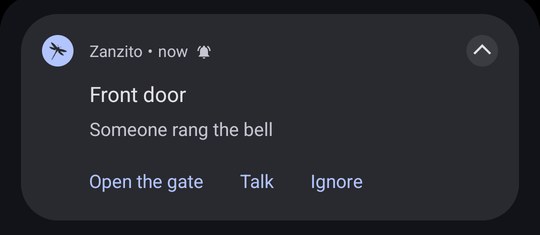
Your system publishes a text or a picture, the phone shows it as a notification, with up to three buttons that answer back on MQTT. Or it sounds an alarm that keeps ringing until someone stops it — and tells the system that someone did.
Your own publications: a name, a topic, a payload. Send them with a tap, by voice, by shaking the phone, or from a Quick Settings tile or a widget on the home screen, without opening the app.
Your own subscriptions: plain text, a value picked out of a JSON message, a picture, a notification, an alarm. Each can notify you, ring, or be read aloud.
Give each Activity a spoken command, and optionally dictate the payload after it. There is an experimental continuous mode that waits for a keyword of your choice.
Publish a sentence to the device's say topic and the phone speaks it. Notifications and Reports can be read aloud too.
Devices on the same broker can share their position and their pictures with each other: the map shows where they are, the gallery what they sent. Who sees whom is decided by the broker's access rules.
Two addresses for the same broker: Zanzito recognises your home Wi-Fi and switches to the local one, then back to the public one when you leave.
Encrypted connections with user name and password, including brokers that use a certificate authority of your own: the CA certificate is imported from within the app. MQTT over WebSocket reaches a broker behind a web server or a tunnel, on port 443.
List the topics currently alive on your broker and turn any of them into an Activity or a Report, without typing it.
Manage your other Zanzito devices from this one: settings, Activities, Reports, position, logs, and a few remote commands. Each device must have remote administration switched on first.
Publishes the Wi-Fi fingerprint of where the device is, in the format of the FIND indoor-positioning server, so that your system can tell which room it is in.
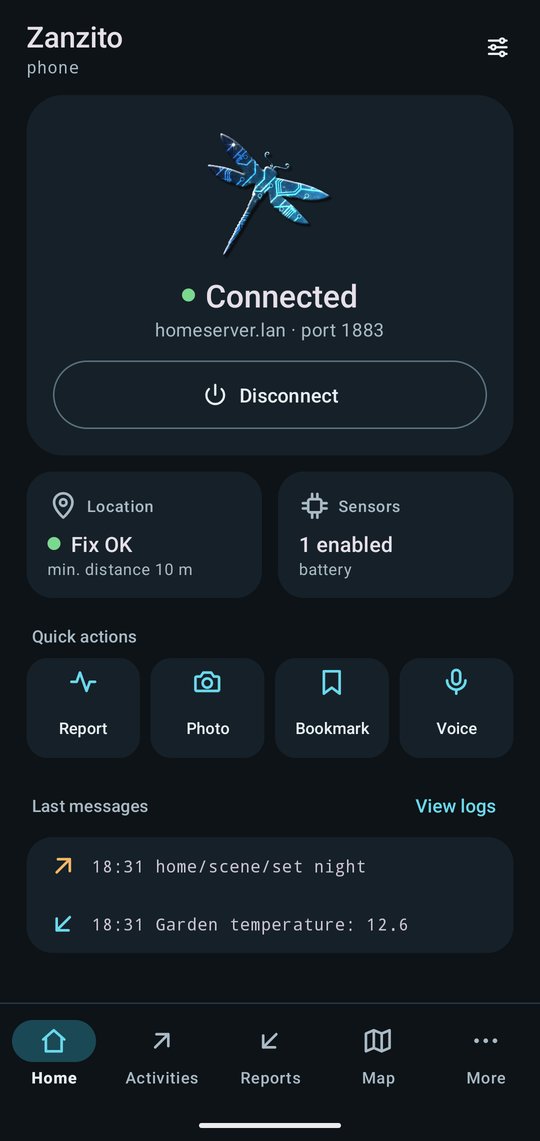
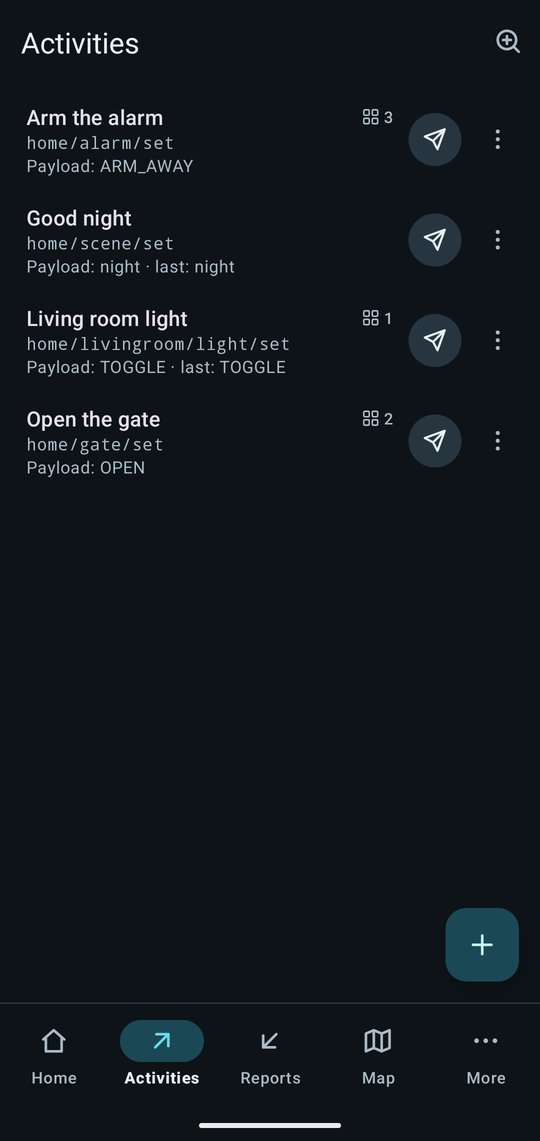
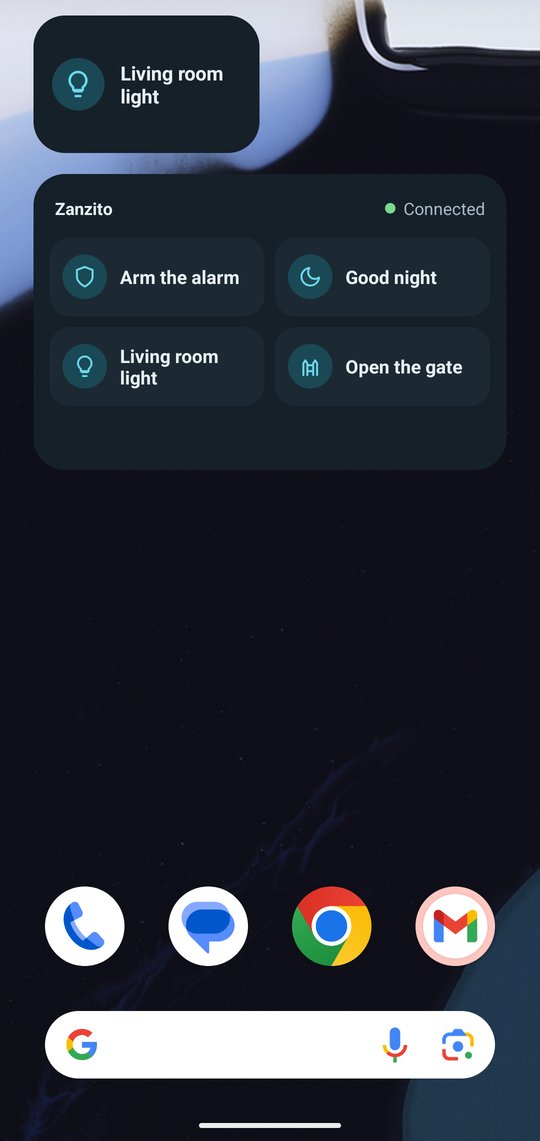
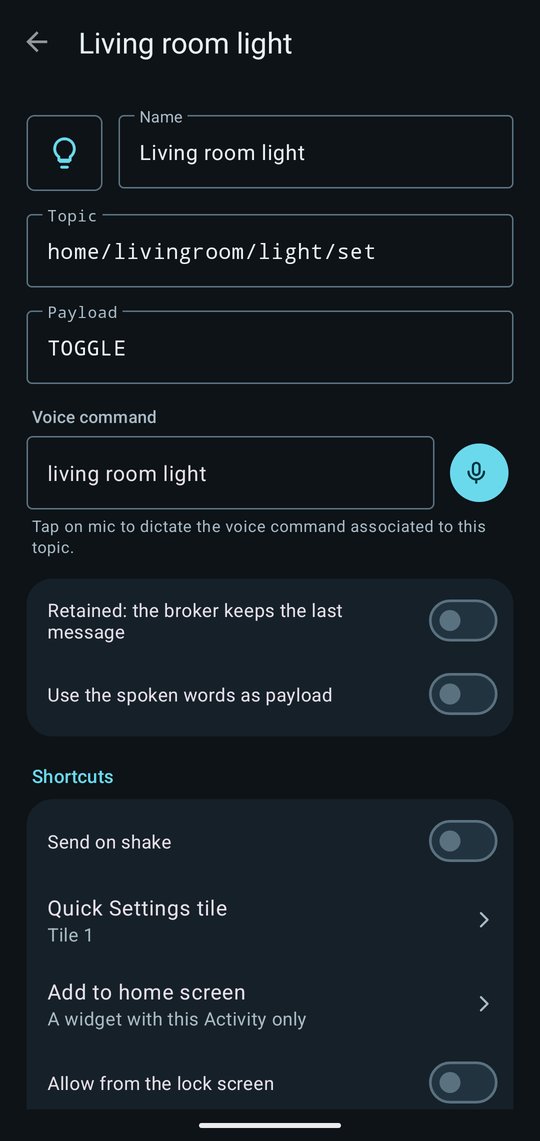
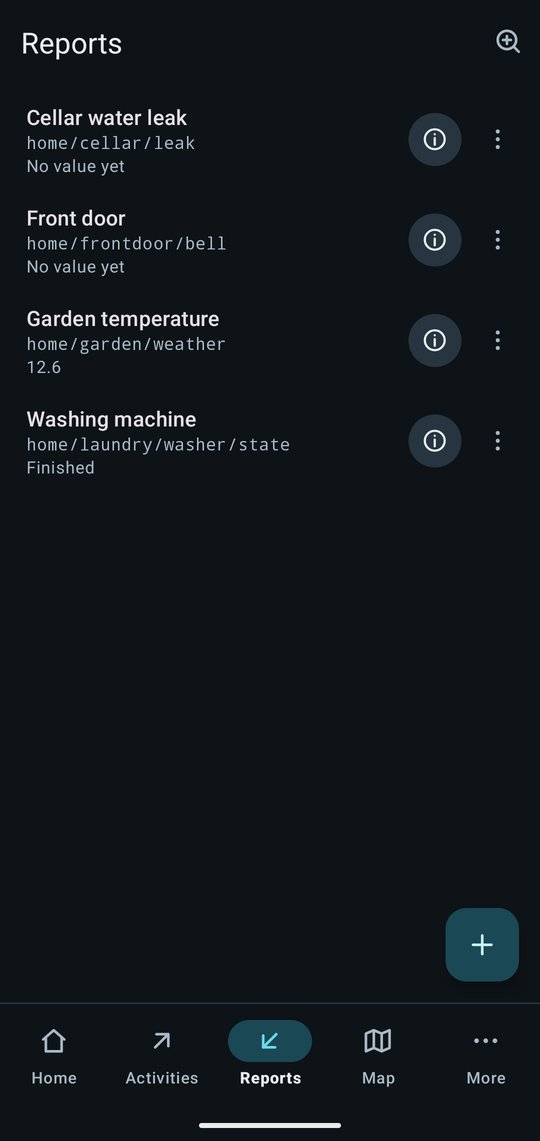
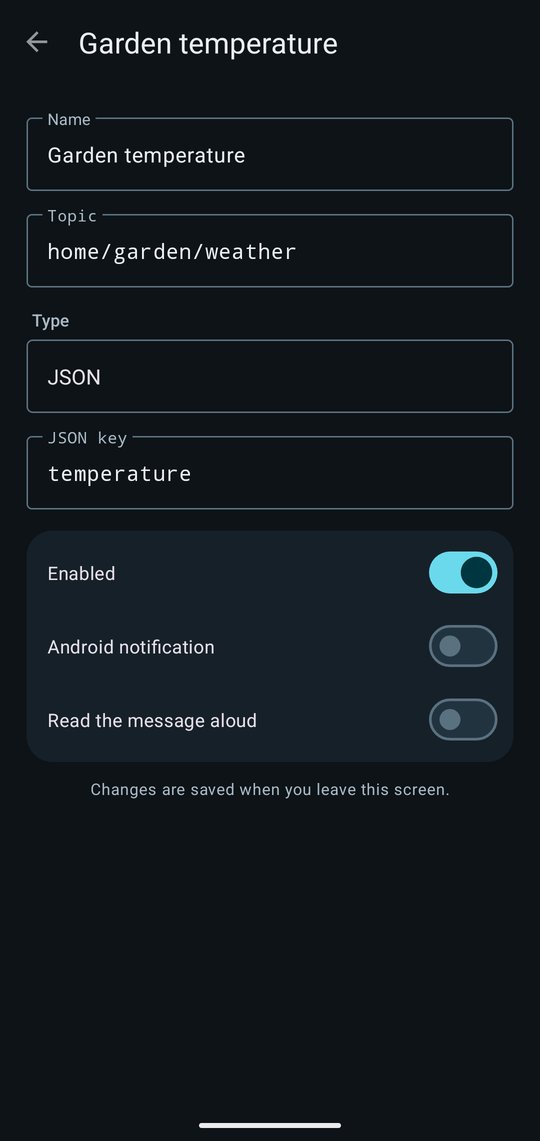
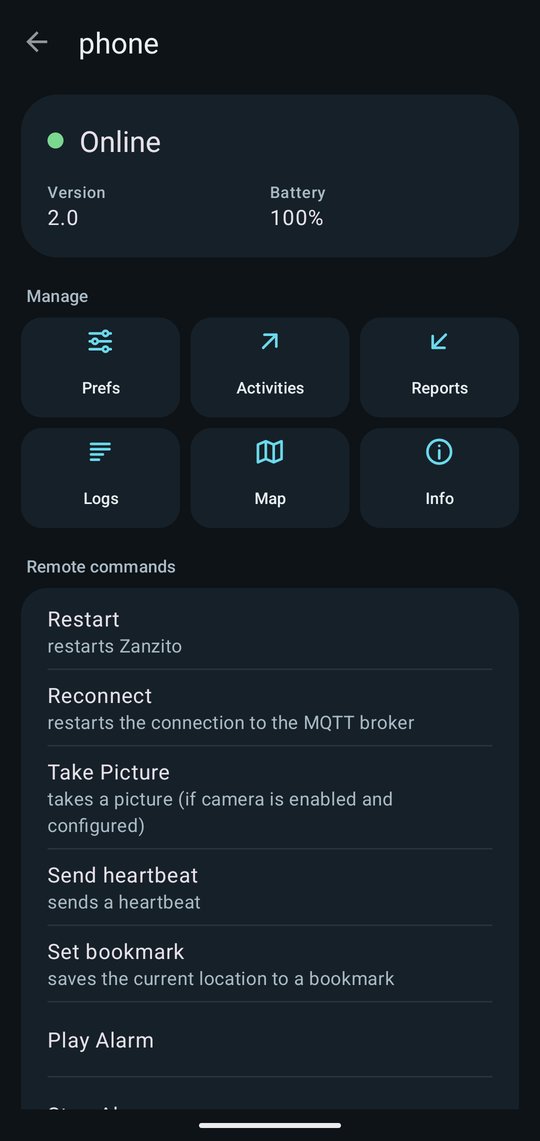
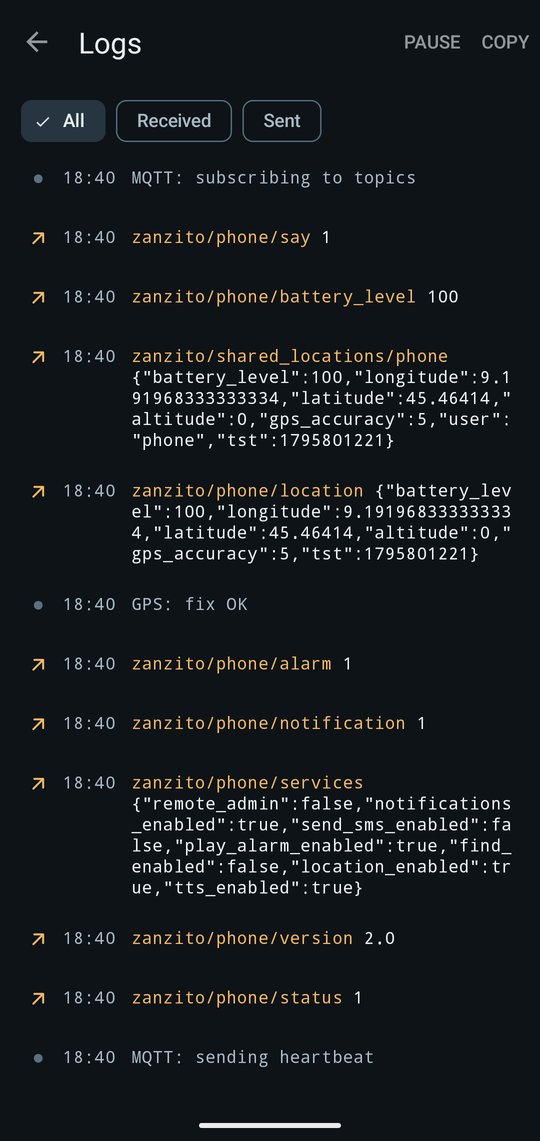
Zanzito was first published in 2017. Version 2.0 is rebuilt for today's Android, with a new look and new ways to work with your home:
If you use the OwnTracks emulation: the topic is now owntracks/<user>/<device>, as OwnTracks expects, so update it in your automations.
The details are in the manual.
Installed, Zanzito runs in Demo: every function works, with three limits. The connection lasts two hours, and can be started again four hours after it began; you can define one Activity and one Report; and the Admin module manages the device it runs on only.
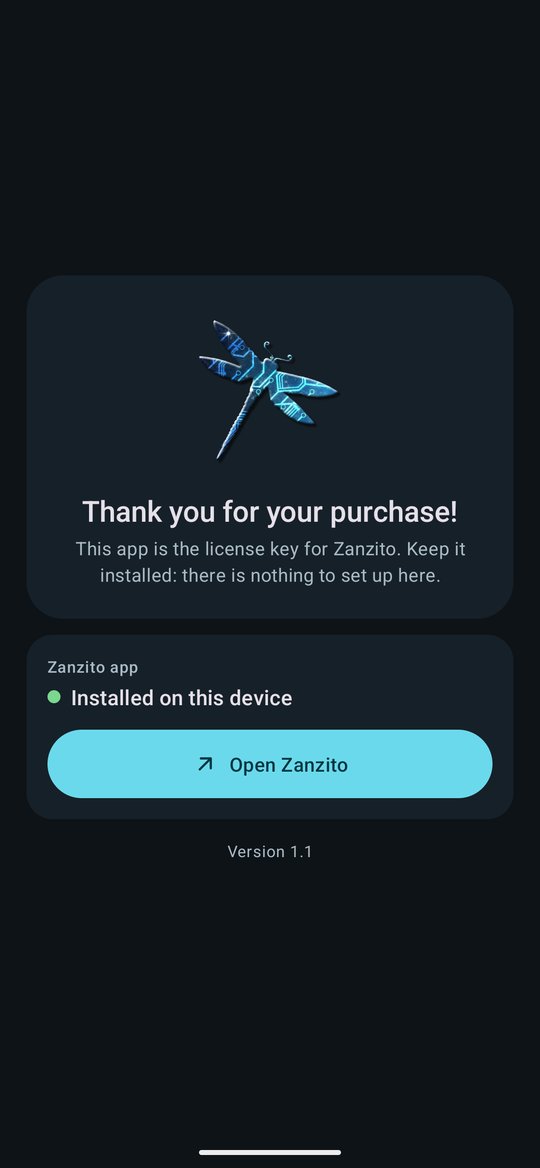
Zanzito License is the key: install it from Google Play and leave it there, and Zanzito unlocks itself. There is nothing to set up.
The full terms are in the licence.
Zanzito sends data to one place: the broker whose address is in its settings. It has no account, no advertising and no analytics, and nothing it collects reaches its developer.
That also means the broker is what protects your data. The address the app comes with, test.mosquitto.org, is a public test server: anyone can read what is published there. Use it to see the app work — Zanzito asks you to confirm before the first connection — then replace it with your own before enabling location, photos or anything else.
What is sent, when, and who else is involved — Google Maps for the map, your device's speech service for voice commands, Google Play for purchases — is in the privacy policy.
Version 2.0 is in testing.
Android 6.0 or later.
The user manual covers every setting, the topics and message formats Zanzito uses, the commands it accepts, and working examples for Mosquitto and Home Assistant. The same manual is inside the app.
Questions, problems, suggestions: me@barbaro.it.